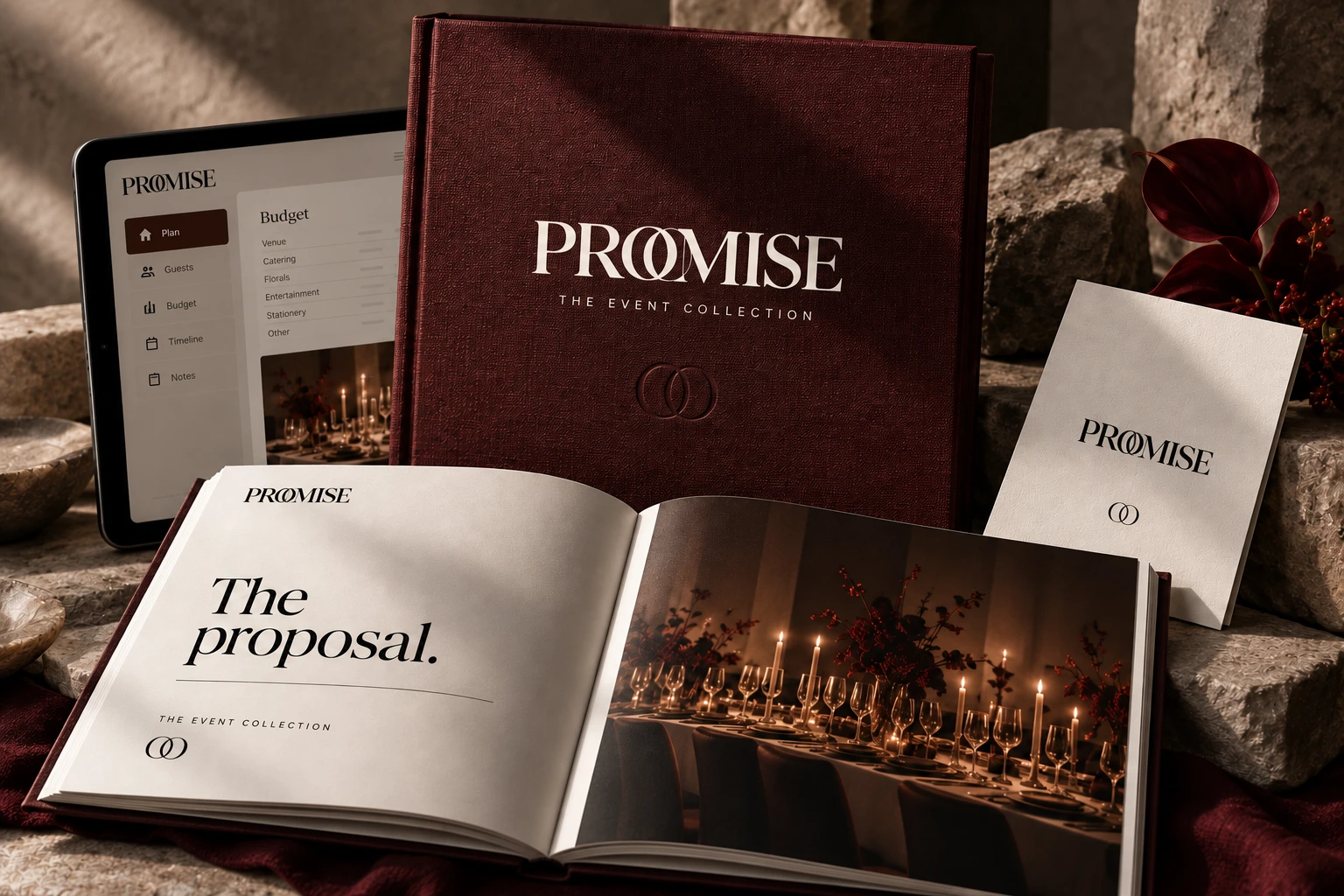
Your budget, in view
Bring estimates, spending and wedding payments together. Keep honeymoon plans in their own budget.
FOR YOUR DAY. YOUR WAY.
A beautiful Excel wedding planner for the ideas, the people and the moments you’re bringing together.
Discover the planner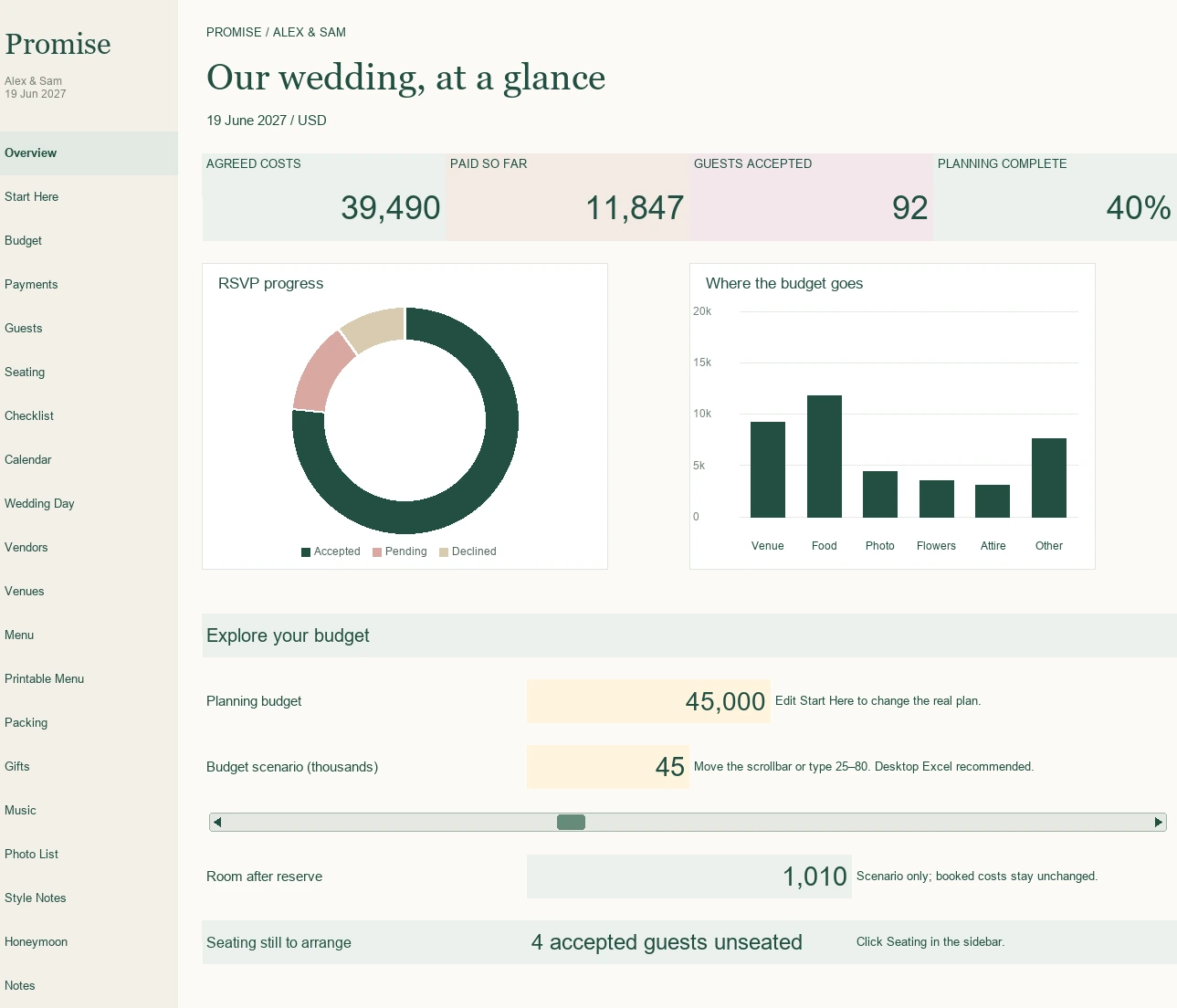 A little perspective. Every time you open it.
YOUR FIRST PIECE OF PROMISE
From the guest list to the last little detail. A visual planning companion you can make entirely your own.
The planner is ready. Payment setup is being completed.
For desktop Excel 2021 or Microsoft 365. Excel licence sold separately. Digital download only. Future Canva collections are not included.
Take a little tourA PLACE FOR WHAT MATTERS
Bring estimates, spending and wedding payments together. Keep honeymoon plans in their own budget.
Organise invitations, replies and seating, with room for the details that make guests feel welcome.
Keep your inspiration close in visual photo boards, alongside your dress, venue and styling notes.
Follow your checklist, calendar and wedding-day plan, from the first ideas to the finishing touches.

A VISION WORTH BRINGING TO LIFE
You bring the taste, the thought and the spark.
Give all those ideas a lovely place to land.
REAL SHEETS. REAL POSSIBILITIES.
ACTUAL WORKBOOK PREVIEWS
No guessing what is in the download. Explore the real worksheets below.
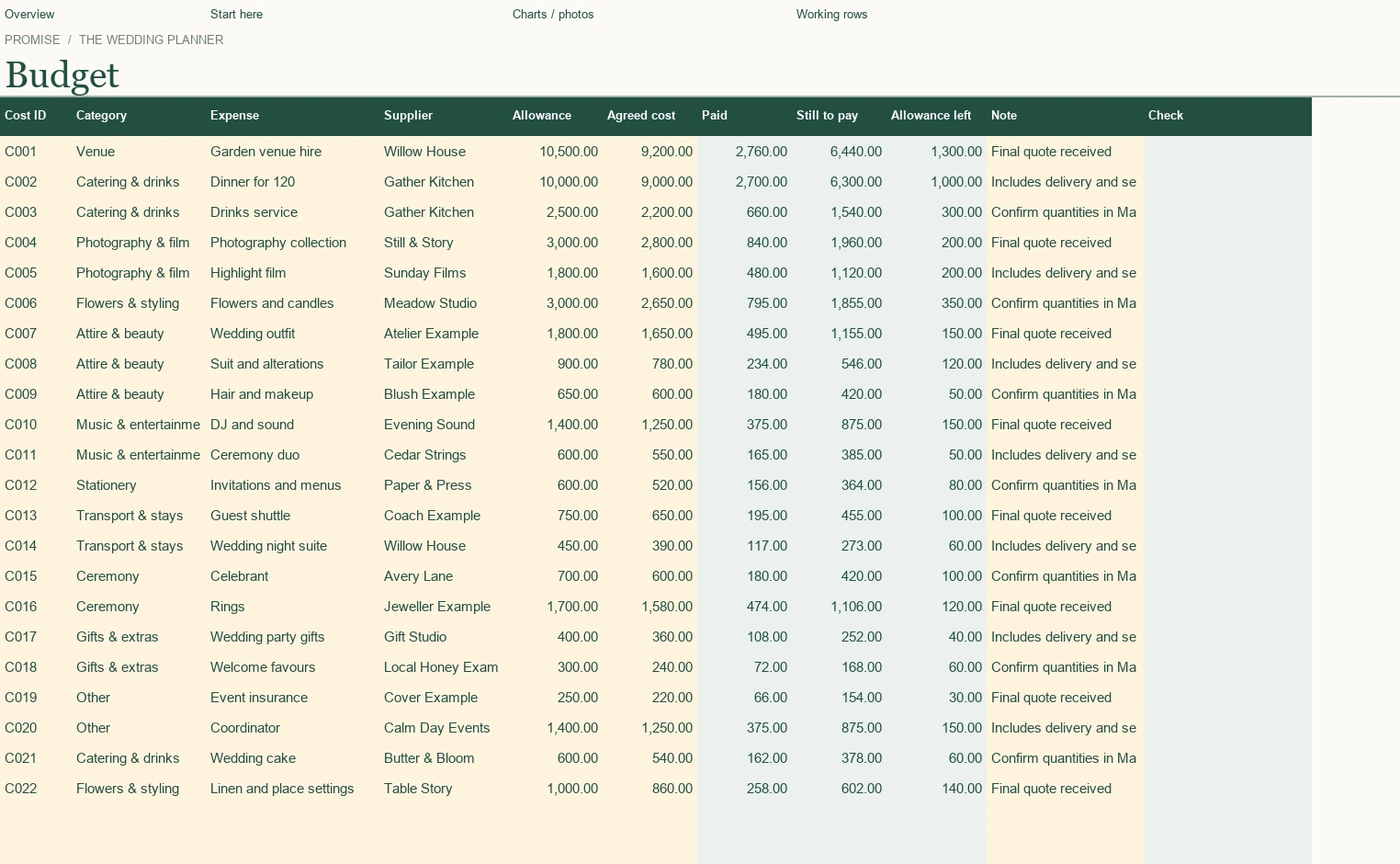
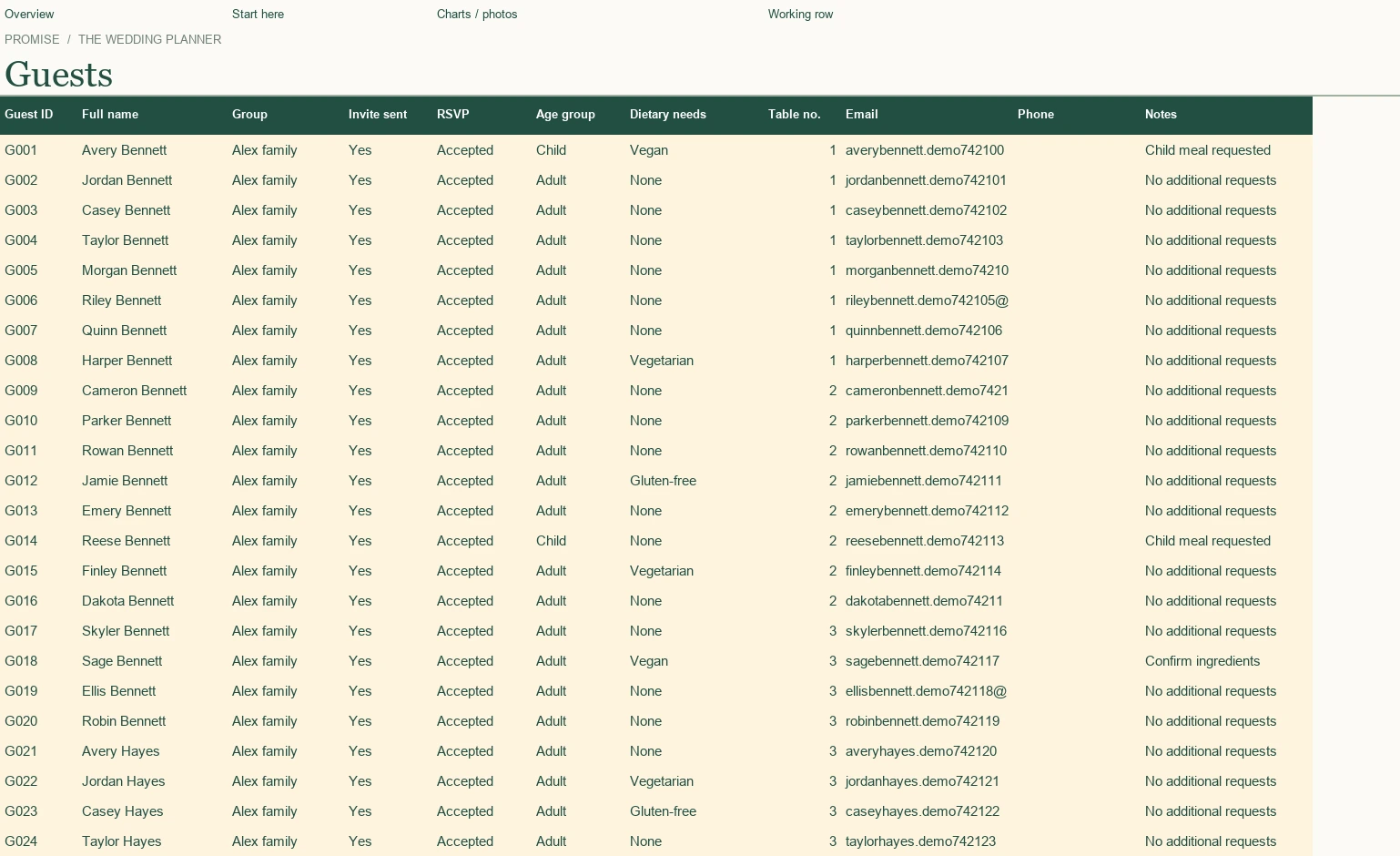
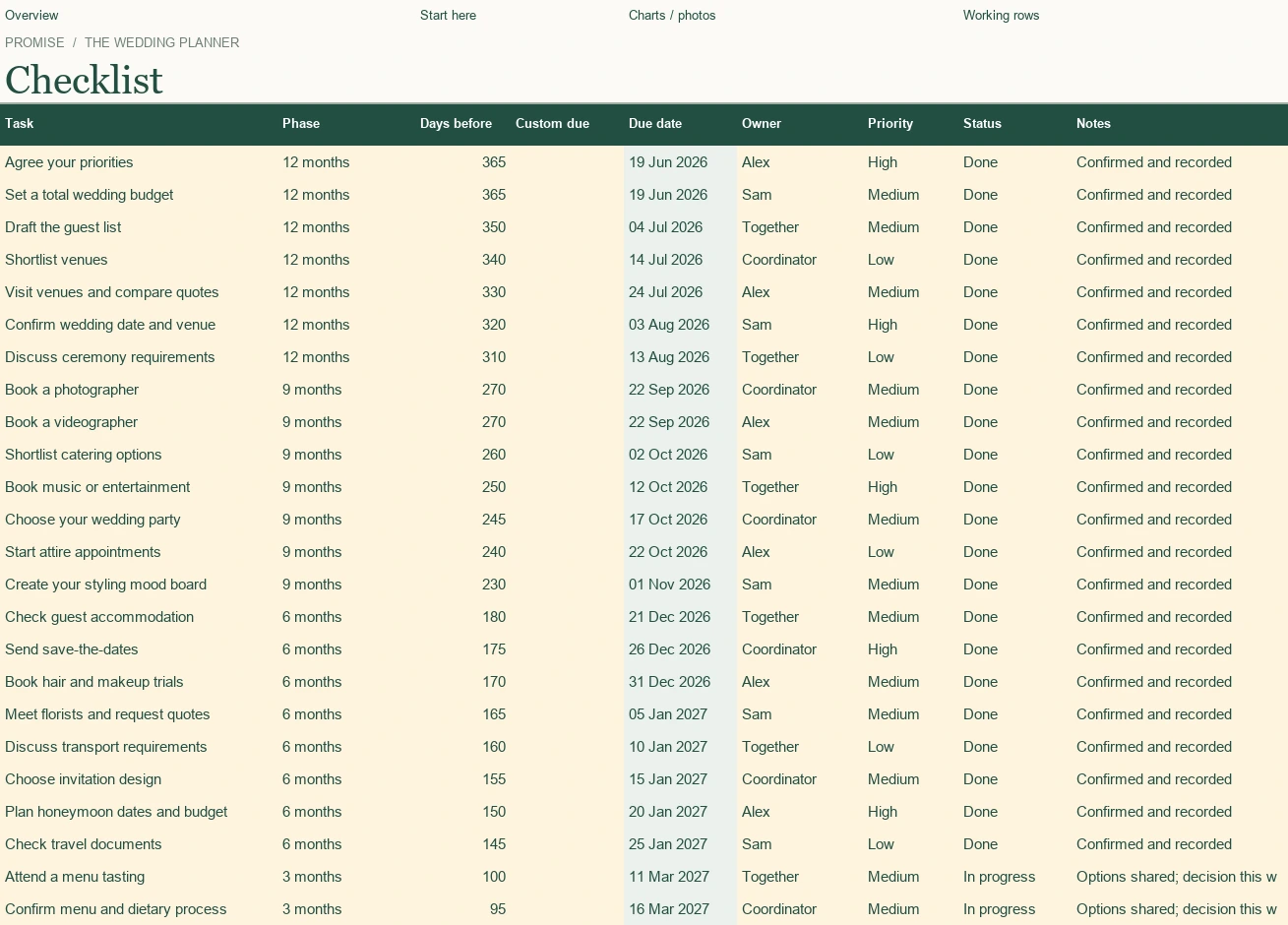
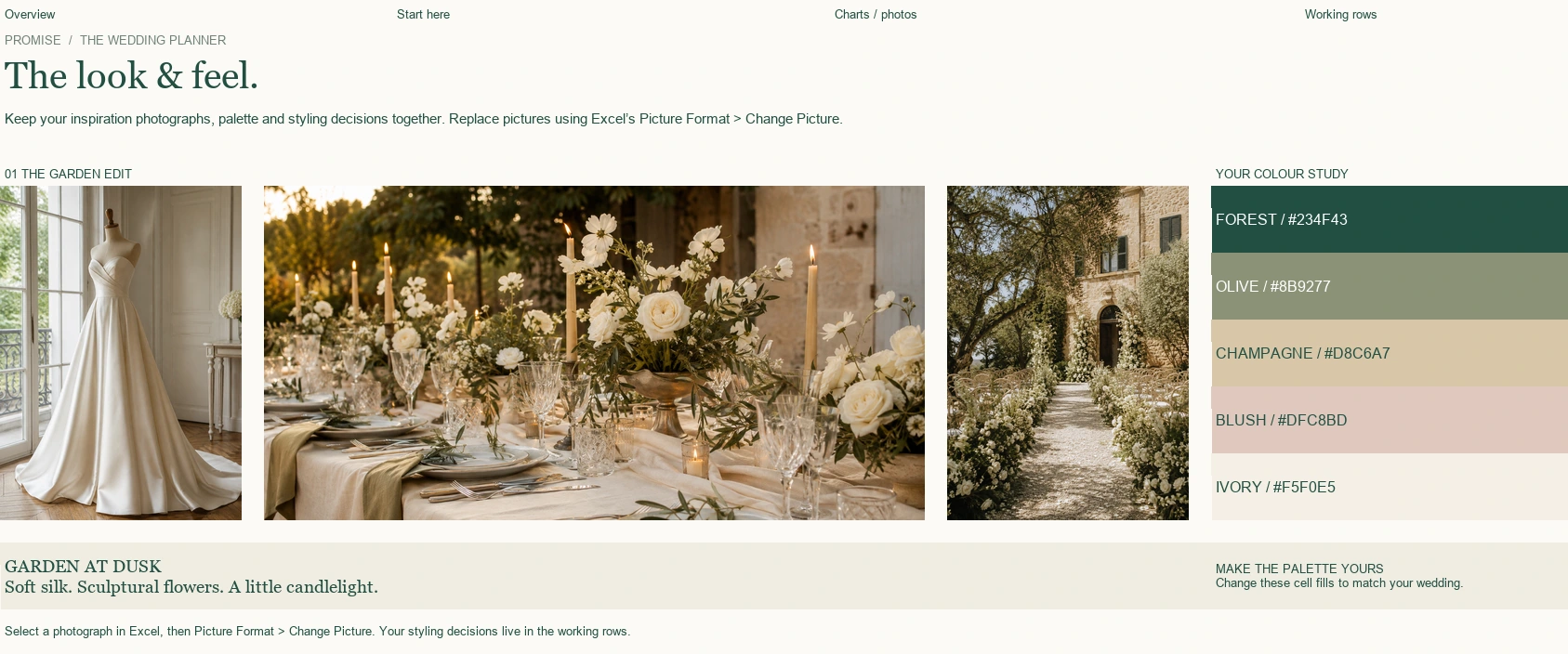
Example details are fictional. Your clean template is ready for your own wedding.
SEE IT IN ACTION
Watch budgets, guest lists and photographs come together in desktop Excel.
Real Excel recording, edited for pace. Fictional example data.
Save the demoYOUR IDEAS. YOUR STYLE. YOUR PACE.
Explore a fictional wedding, with its budget, guests, photographs and plans already in place.
Open the clean planner and add your names, wedding date and currency symbol.
Use the blush input areas, update your plans and replace the photographs with your own.
MORE GOOD THINGS, IN THE MAKING
For now, begin with the Excel planner. These future collections will arrive separately.
The foundations for your event-planning practice.
Client-facing tools, thoughtfully presented.
Invitations, marketing and the wider collection.
One ZIP download containing the clean Promise Wedding Planner, a separate Filled Example with fictional wedding details and images, and a Read Me First guide. Instructions are also included inside the workbook.
Desktop Microsoft Excel 2021 or Microsoft 365. Excel is purchased separately. Google Sheets, Apple Numbers and mobile Excel have not been verified. The workbooks do not require macros.
Your personal details and money inputs are empty. Helpful categories, starter tasks and packing suggestions stay in place, along with soft photo placeholders. Start fresh without starting from scratch.
Yes. In desktop Excel, right-click an existing picture and choose Change Picture, then This Device. Replace the pictures separately on each board. Embedded pictures remain available offline.
Once checkout is open and payment is confirmed, your order page unlocks the ZIP download automatically. Keep the files on your device. You can revisit the order in the same browser for 30 days; email us with your purchase receipt if you need help accessing it.
The two Excel files and instructions, for your own wedding planning. No subscription, physical goods, Canva bundles, software licence or personal planning service is included. Any applicable tax is shown before you pay.
You may use the workbook together with your partner and a planner working on your own event. Reselling, redistributing, publishing the source files or using them as a template product for sale is not permitted.
Not yet. Essential, Professional and All-in-One are future collections. They cannot be purchased and are not included with the Excel planner.
HERE’S TO WHAT YOU’LL CREATE.